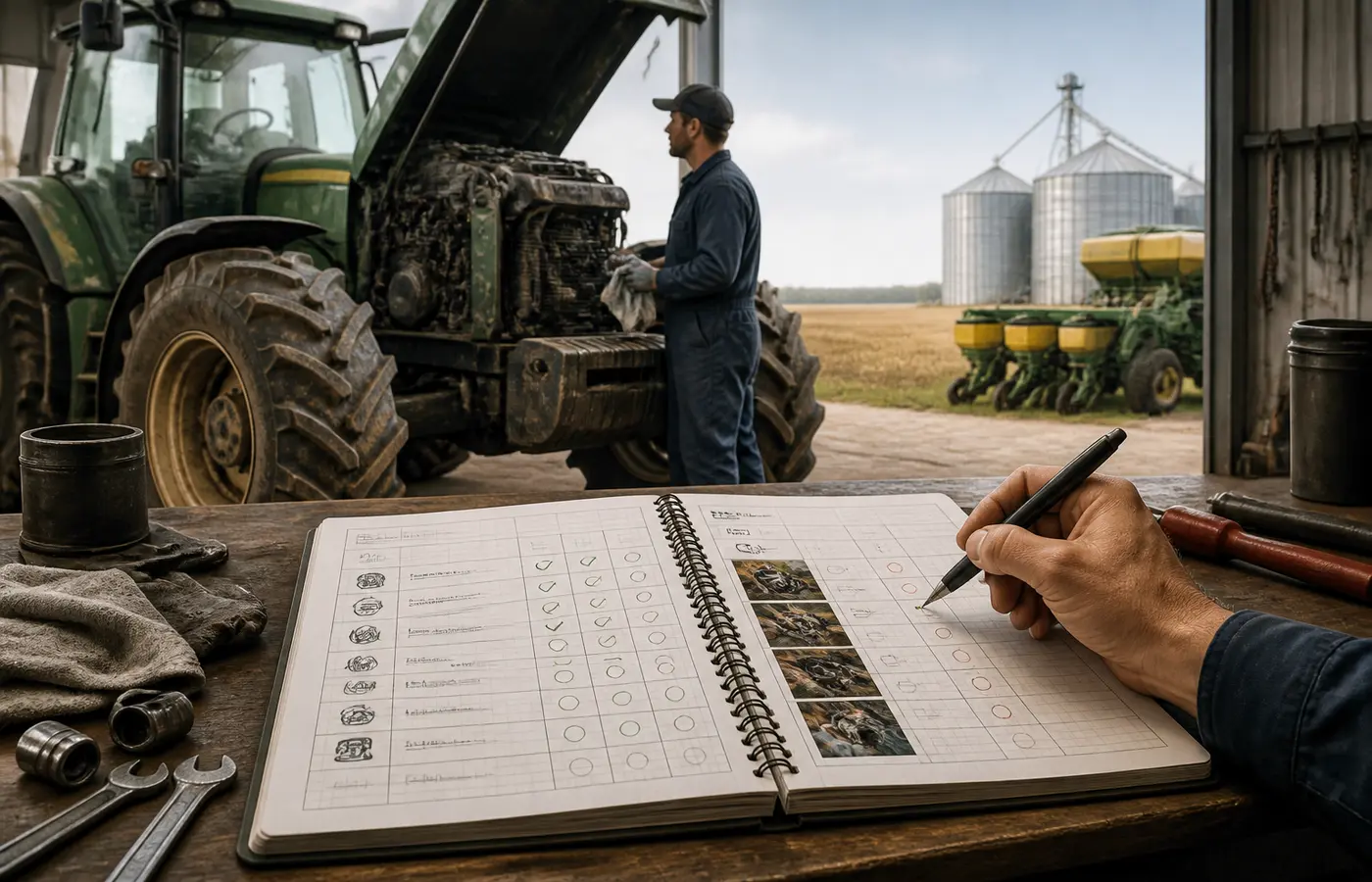
Before your team adopts farm software, ask a more practical question than “Can it export data?” Ask whether the records needed to run the business can leave the system with enough structure and context to remain useful.
A downloaded report may be valuable for review, but it is not necessarily portable operational data. If a future handover, software change or account closure leaves the team with disconnected PDFs, unclear field names and no way to identify the relevant lot or production area, the record is difficult to reuse.
Farm software data portability is therefore an operational continuity question. It concerns what the business can retain, understand and transfer if its tools, staff responsibilities or service arrangements change. The goal is not to predict every future migration. It is to make the exit path visible before a long-term commitment makes it harder to address.
Start with the records your team must keep moving
Begin with your own working records rather than a vendor feature list. Different farms will have different priorities, and not every record needs the same level of detail. A business with several production sites may need location and block relationships to remain intact. A packing operation may place more emphasis on lots, inventory movements and harvest links. A mixed operation may need equipment, worker-task and livestock or crop records to be separable and understandable.
Create a short list of records that must remain usable if the system changes. This should be compiled by the people who create records, review them and depend on them during a handover.
A working list may include:
- farm, site, field, greenhouse, block or paddock records;
- activity logs, including dates, task status and responsible operator;
- input, product and inventory records;
- planting, production, harvest and packing records where relevant;
- lot, batch or traceability references used by the business;
- equipment records and maintenance history;
- worker-task assignments and completion records;
- attachments such as images, invoices, maps or supporting documents; and
- reports used for management review, customer requirements or internal reconciliation.
This is not a universal record template. It is a continuity list. The question is: if the system were unavailable to a successor tomorrow, which records would the next responsible person need in order to understand what happened and continue the work?
Assign an internal owner to each group of records. For example, an operations manager may own activity and field records, a storekeeper may own inventory records, and an administrator may hold authority over account access. This makes it easier to identify who should take part in the evaluation.
Ask what an export contains, not just whether one exists
“Export available” is not a complete answer. A provider may offer reports, spreadsheets, downloadable files, an application interface or some combination of these. Each route can be useful, but the team should inspect what it actually provides.
A PDF may preserve a readable snapshot. A spreadsheet may support filtering and review. A structured data export may be more suitable for mapping into another system. None of these formats automatically establishes portability. The value depends on the fields, attachments, relationships and history included.
Use a small export-review checklist during a demonstration, trial or procurement discussion.
| Review question | Why it matters | What to record |
|---|---|---|
| Which record types can be exported? | A system may export reports but not the underlying operational records. | Record categories available and unavailable. |
| Is the export readable and structured? | A readable document may not support sorting, matching or reuse. | File type, column headings and any data dictionary. |
| Are historical records included? | Recent records alone may not support comparison or continuity. | Date range tested and apparent gaps. |
| Are attachments included or separately retrievable? | Images, documents and maps can be essential context. | File handling method and identifier links. |
| Are deleted, archived or closed records distinguishable? | Status affects how a future user interprets the record. | Status fields and retention limitations described by the provider. |
| Can the export be filtered by farm, area, date or record type? | A selective export makes a test more manageable and a handover more controlled. | Available filters and their limits. |
| Does each record have a stable identifier? | Identifiers help match records across files and systems. | Identifier fields observed in the sample. |
Do not treat a provider demonstration as sufficient proof. Ask for a sample export using representative records from the demo environment, or export a small sample yourself during a trial where this is possible. Keep the files as part of the procurement record.
The aim is not to require that every farm employee can interpret a raw dataset. It is to establish whether a capable administrator, future software provider or internal analyst can make sense of the material without reconstructing its meaning from memory.
Check whether identifiers and operating context survive
The practical difference between a readable export and a reusable dataset is context.
Consider a hypothetical activity record showing that a task was completed on a particular date. That record becomes much less useful if it does not retain the production area, product, unit, operator, task type or associated lot. A table of numbers may still look complete while losing the relationships that explain what each number represents.
Review whether the export retains the identifiers and links that give farm records their operating meaning. Depending on the system and your own workflows, these may include:
- farm or business unit;
- production site, field, block, greenhouse, paddock or other area identifier;
- crop, variety, animal group, product or inventory item;
- lot, batch, harvest or shipment reference;
- activity type, status and timestamp;
- unit of measure and quantity;
- user, operator or responsible role;
- equipment reference where relevant; and
- links between a source record and a resulting inventory, harvest or task record.
A useful test is to take one exported row or record and ask a person who did not create it to explain it. Can they tell what happened, where it happened, when it happened and what other records it relates to? If the answer depends on a separate internal notebook or the memory of one staff member, the export needs closer attention.
Also inspect naming practices. A field name displayed to users may be helpful, but a stable internal identifier is often important when names change or when two locations have similar labels. Likewise, an inventory product name without a unit, package reference or transaction date may not be enough to reconcile stock movements later.
This is ACA’s practical interpretation, not a claim that every future system will require the same fields. A receiving system may use different names and structures. What matters is that your team can identify the source meaning and decide how it should map into a new workflow.
Review access, ownership and the exit path
Data portability also depends on who can act. A system can have a technically useful export function while the farm cannot use it because the person with administrator access has left, the account is controlled by an outside consultant, or the approval process is unclear.
Discuss access and exit arrangements before purchase, renewal or a major implementation stage. Record answers in writing from the provider rather than relying on general expectations or verbal assurances.
Questions to ask include:
- Which user role can request or create a full export?
- Can the business assign more than one administrator?
- What process applies if an administrator leaves the business or loses access?
- Can access rights be reviewed and changed by an authorised internal owner?
- What records remain accessible if the subscription changes, expires or closes?
- Is there a stated procedure for requesting data at account closure?
- Are attachments, maps, images and archived records covered by the same export process?
- Is provider assistance available for an export or migration, and under what documented terms?
- Does the provider supply field definitions, import guidance or other documentation that helps interpret the export?
Do not assume that terms such as “your data” settle every operational issue. Ownership language, access rights, retention arrangements, support obligations and account closure processes can be described in different documents and may depend on the service arrangement. Your team should review the relevant current contract, service terms, privacy material and support guidance for the candidate system.
This is also a governance task inside the farm business. Keep a record of the authorised account holder, administrator roles, recovery contact details and location of any exported files. A handover should not require access to a former employee’s personal email account or device.
Run a small migration test before commitment
A limited migration test is usually more informative than a broad promise of compatibility. It does not prove that a full migration will be simple, secure or suitable for every future use. It does show where interpretation work, missing fields or process changes may be required.
Use a representative but non-sensitive sample selected by the farm. For example, choose one production area, one recent sequence of activities and the associated inventory, harvest or lot records. Include a record with an attachment if attachments matter to your workflow.
A practical test can follow five steps:
- Define the sample. Write down exactly which records should be present, including date range, location and related record types.
- Export the records. Use the normal account permissions and export route available to the business, not an informal screenshot or manually copied report.
- Inspect the files. Check the sample against the original record list. Look for missing history, unclear headings, absent identifiers, unusable dates, lost units or detached attachments.
- Attempt a structured review or import. If a receiving system or spreadsheet workflow is available, map a small number of records. If no receiving system is available, test whether an independent team member can sort, filter and understand the export.
- Document the gaps. Record what was successful, what required manual interpretation, what could not be exported and what the provider needs to clarify before a decision.
Avoid testing only clean, recent records. A useful sample should expose the situations that create work during a real handover: changed field names, closed tasks, adjustments to inventory, multiple lots, archived records or attached documents.
The purpose is not to force the candidate platform to match every existing process exactly. Software adoption often requires process changes. The decision is whether those changes are understood, acceptable and documented before the business becomes dependent on the system.
Make portability a handover record, not a one-time checkbox
Portability should remain part of the operating record after selection. Systems change, workflows develop, staff move roles and new record types are added. A test completed during procurement may not cover the data created two years later.
Keep a short portability and handover record with the software procurement documents. It can include:
- the record categories reviewed;
- the export method and files tested;
- who holds export authority and backup administrator access;
- where the business stores approved exports and related documentation;
- important identifiers, field definitions or mapping notes;
- unresolved limitations or provider questions; and
- a future date to review the arrangement.
The next step can be modest: choose one candidate system or existing platform and conduct a sample export review with the people who use the records most often. Do not begin by trying to migrate the whole farm history. First establish whether one representative set of records can leave the system with enough context to support a responsible handover.
Frequently asked questions
What should a farm software data export include?
It should include the records your business needs to understand and continue its work, along with the identifiers and context that make those records meaningful. This may include location references, dates, units, product or lot links, status, responsible roles and relevant attachments. The exact list depends on the farm’s workflow.
Is a PDF report enough to make farm records portable?
A PDF can be useful as a readable record or management report, but it may not be enough for reuse, filtering, matching or import into another system. Review whether the underlying records can also be exported in a form that preserves useful fields and relationships.
How can a farm test software migration before signing a contract?
Select a representative, non-sensitive sample of records, export it using the normal account process, compare it with a written record list and attempt a structured review or small import. Document missing fields, unclear identifiers, detached attachments and unanswered questions before committing.
Who in the farm business should be allowed to export software records?
At least one authorised internal owner should have the ability to export records, with a documented backup administrator where appropriate. The right people will vary by business, but access should not depend solely on one employee, outside adviser or personal account.
Source and further reading
ACA’s practical examples and working checklists are independent editorial analysis. The linked source provides the underlying reference; it does not endorse this article.